
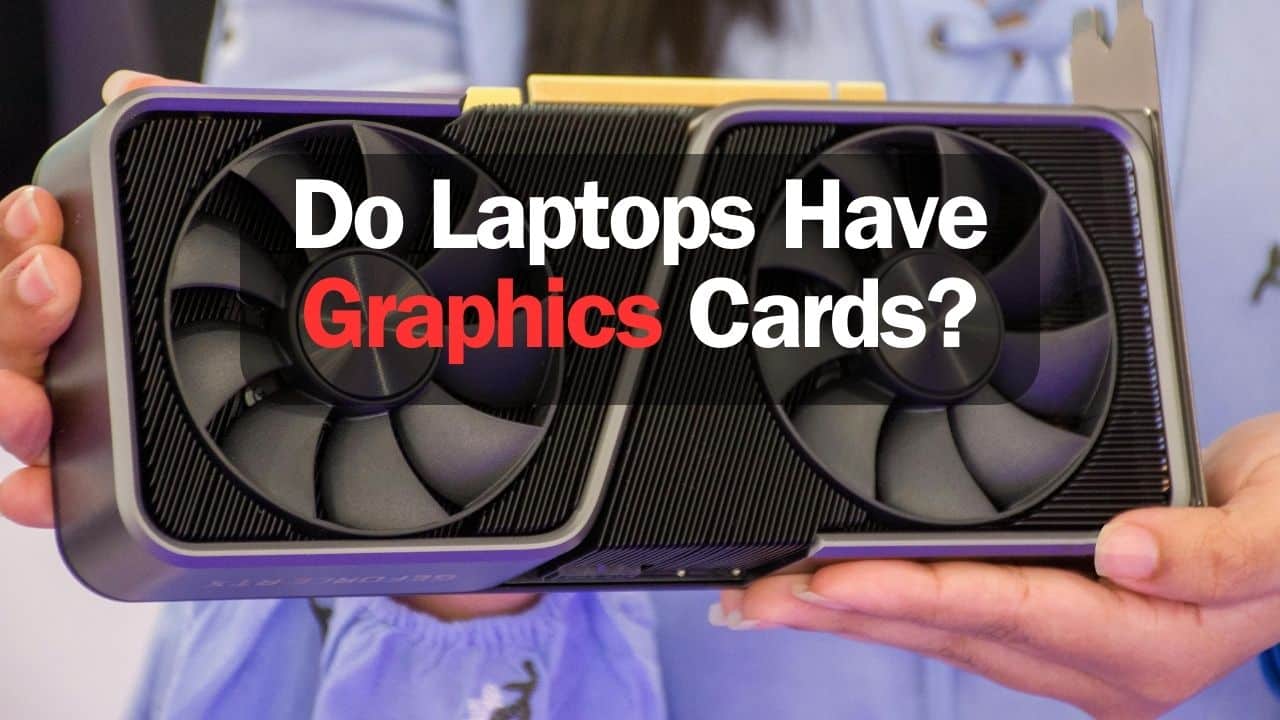
You must be curious whether laptops have graphics cards if you are here. The simple answer to this is Yes, laptops do have graphics cards that are the integrated ones that are found in every laptop. However, there are also dedicated graphics cards. These two things create confusion, which leads us to this blog: This is the ultimate guide to laptops with graphics cards, which can significantly help you choose one. You can read our latest guide on “Is laptop necessary for Freelancing?“.
So, let’s start with the basics: what exactly are these cards used for?
Do Laptops Have Graphics Cards?
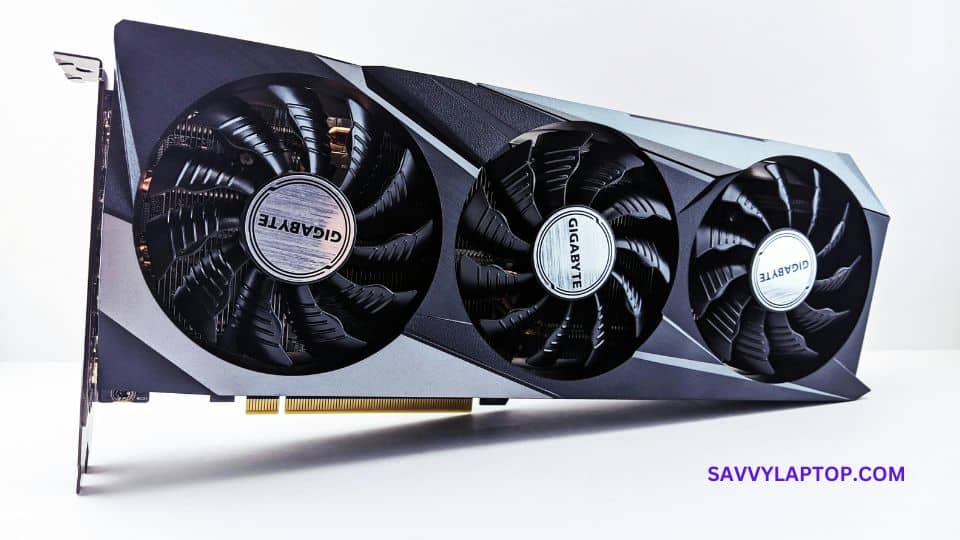
Yes, the laptops have graphics cards, commonly known as GPU (Graphics Processing Unit). These are the integrated ones, meaning the GPU is integrated into the CPU (Central Processing Unit). These integrated graphics cards are less powerful and only enough for web browsing, office work, and basic gaming.
On the other hand, the dedicated graphics cards are the ones that are separate from the CPU. They have their own dedicated memory and processing power. That is why they are high in performance and are used for extensive gaming, video editing, and other graphics-intensive tasks.
To summarize, not all laptops have dedicated graphics cards, but all have integrated graphics cards for basic usage.
Uses of Graphic Cards in Laptops
Gaming
Let’s kick off with one of the most popular uses of graphic cards—gaming. Gaming is incomplete without good graphics and a clear gaming experience. The graphic cards used in gaming help you experience smooth frame rates, realistic visuals, and unmatched gaming experience.
Graphic Designing

Graphic designers rely heavily on graphic cards to bring their creative visions to life. Whether it’s designing logos and illustrations or creating digital artwork, a high-performance graphic card is what is needed for the perfect graphic designing work. They also support high-resolution displays, and enables smooth interaction with software like Adobe Photoshop, Illustrator, and InDesign. So, to up your designing game, ensure you have a graphic card on your laptop.
Video Editing
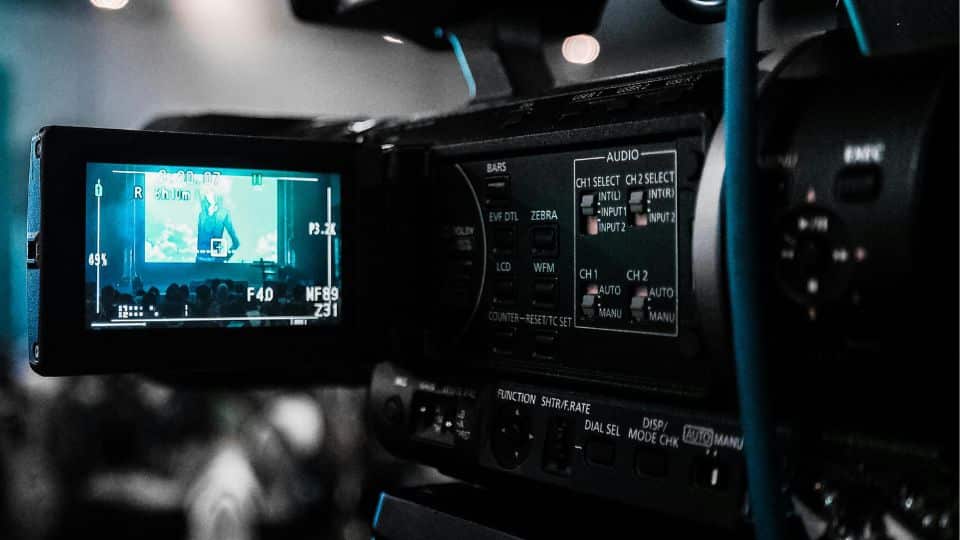
Video editors require tough graphic cards to handle the intensive processing tasks associated with editing high-definition and 4K videos. With them, you can turn average videos into pieces of art. And not to mention, your editing will become easy peasy lemon squeezy.
Entertainment
From streaming HD movies and TV shows to editing pictures and enjoying making art out of pictures, a capable graphic card improves your entertainment experiences on laptops. Whether you’re binge-watching your favorite series or editing vacation photos, a high-performance graphic card ensures crisp visuals, vibrant colors, and smooth playback. If you want to apply stickers on your laptop you can read our article on how to put stickers on a laptop.
Data Visualization

In data science, engineering and researches –graphic cards are essential because they help users to protect the precious data and to do computation work seamlessly. With a good graphics card, you can get faster and more accurate results for all your computing.
But why exactly do the above-mentioned categories require a graphic card?
Gaming: As mentioned earlier, gaming is a primary category that benefits from powerful graphic cards. Whether you’re playing fast-paced shooters, or calculated real time technique games, a high-performance graphic card ensures smooth gameplay and spectacular visuals. So, does your laptop have a graphics card? Go ahead and check it.

Graphic Designing and Video Editing: Video editors and Graphic designers need the graphic cards to handle the whole processing of their tasks. From manipulating complex graphics to editing high-definition videos, only a good graphic card can accelerate workflows and ensure efficient multitasking without lag.
Entertainment: If you are big on enjoying your movies, videos, and pictures, then a graphic card on a laptop is a must. Because it doesn’t only improve the color and resolution of your entertainment but also takes your whole ‘entertainment’ experience to a whole new level, a level where you would feel like a part of the movie or video that you are watching.
Top 4 Graphic Cards for Laptops
Hopefully, no more clarification is needed to convince and tell you about why you should get the one that you want according to your requirements. Here are some graphic cards you can consider buying.
NVIDIA GeForce RTX 3080
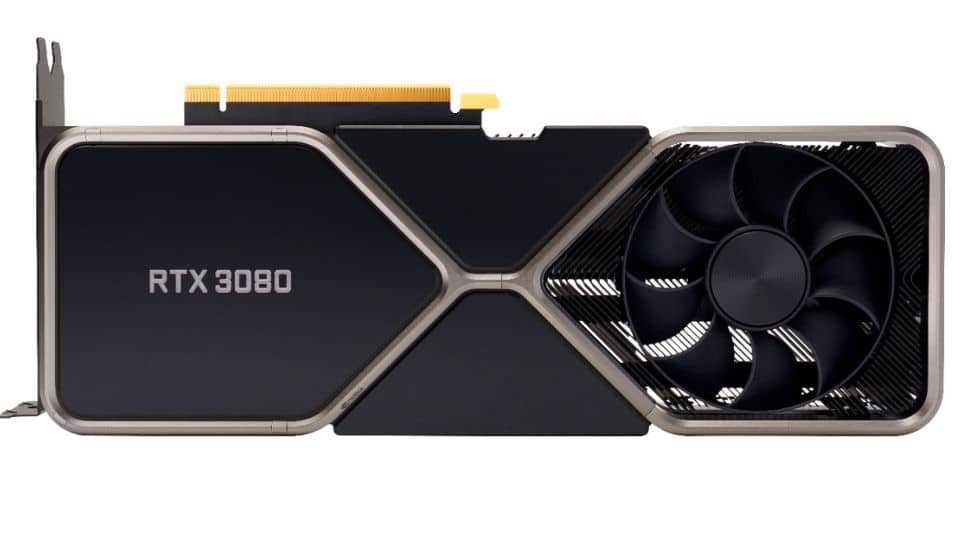
The NVIDIA GeForce RTX 3080 is a powerhouse of a graphic card. It gives you top-level performance in a laptop. With its advanced ray-tracing, DLSS technology, and high fps, the RTX 3080 is perfect for gaming enthusiasts.
AMD Radeon RX 6800M
AMD’s Radeon RX 6800M is easily the top competitor in the graphics card for the laptop market. It offers unmatched gaming and editing performance. If you get this graphic card, you will enjoy advanced features like an infinity cache, smart memory, and a smooth gaming experience.
NVIDIA GeForce RTX 3070
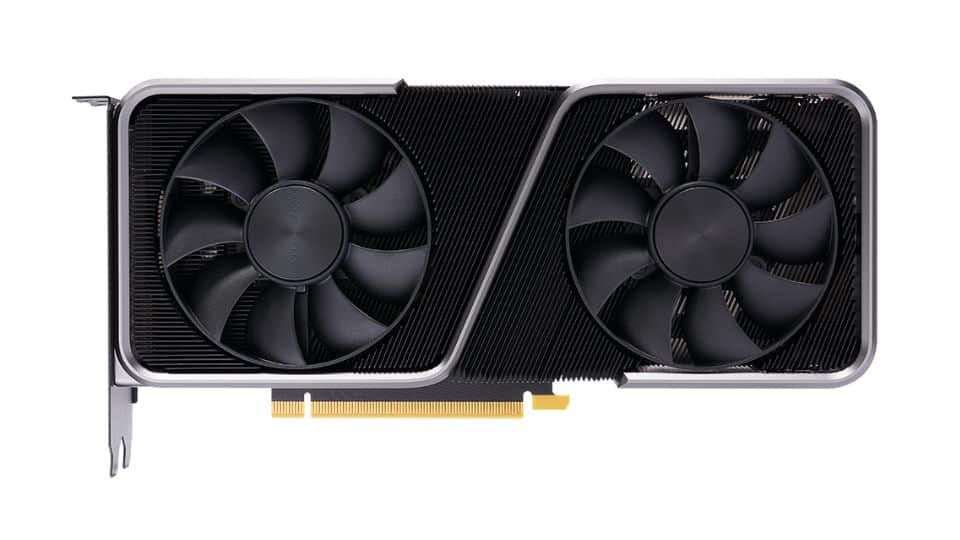
The NVIDIA GeForce RTX 3070 is a balance of performance and affordability, making it ideal for content creators. It offers DLSS technology, ray tracing, and enough VRAM to multitask easily.
AMD Radeon RX 6700M
With its RDNA 2 architecture and support for AMD Smart Shift technology, the RX 6700M delivers smooth frame rates and responsive gameplay in demanding titles. You can also do your data and computing work perfectly with this graphic card for your laptop.
Conclusion
We tried to answer the question: Do laptops have graphics card? To cut it short, graphics cards are an important part of the laptops, which is why almost all laptops come equipped with integrated ones. However, you aren’t restricted that you have to using the same card that comes with your laptop because you can get it changed according to your needs and requirements.
Your writing style is both engaging and informative. I love how you’ve structured the content to keep readers hooked from start to finish. Thanks for sharing your expertise—it’s inspired me to dive deeper into this topic!
Your blog never disappoints! This post, in particular, provided a fresh perspective, and I really enjoyed reading it. Looking forward to more great content!
This post is a goldmine of information! I appreciate how you’ve backed up your points with examples and kept the tone conversational. More writers should take notes from your approach. Well done!
I came across your blog today, and I must say, I’m thoroughly impressed! This post was incredibly well-written and full of valuable takeaways.